

4 Free React Email Templates for SaaS (Copy-Paste Code Examples)
If you are building a SaaS application, you will need email templates for common workflows: onboarding, email verification, OTP codes, and payment receipts. Writing each from scratch is tedious — HTML email is notoriously fragile across Gmail, Outlook, and mobile clients.
This article gives you four production-ready React Email templates you can copy, customize, and integrate directly into your project today.
Need all 12 templates at once? The React Email Templates bundle includes welcome, OTP, magic link, payment receipt, trial emails, security alerts, and more — all tested across major email clients.
1. Welcome Email
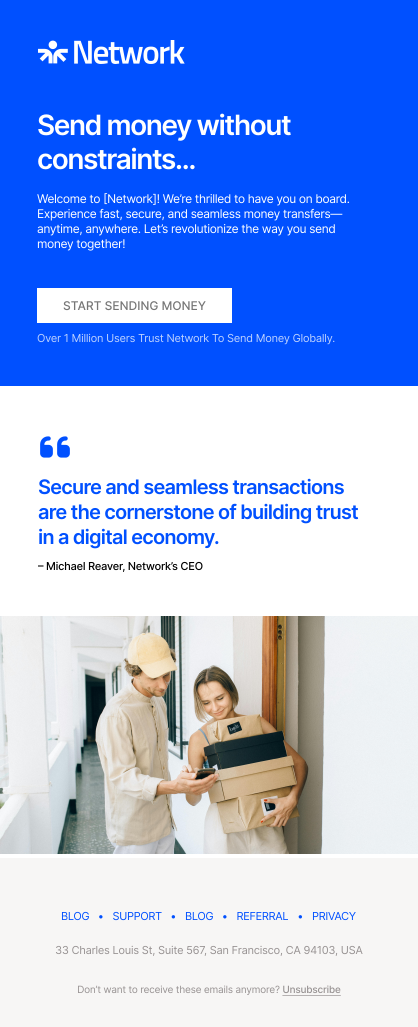
A welcome email is often the first message your users receive. It sets the tone for your product and guides them toward the next step.
2. Email Verification
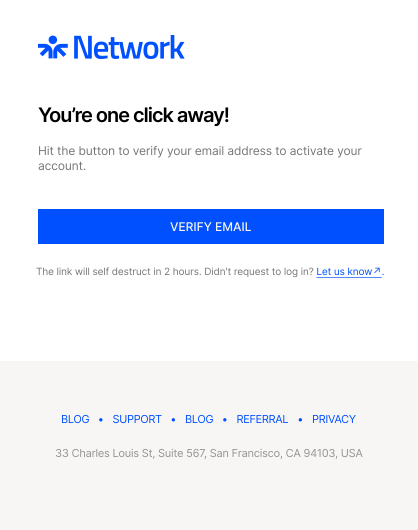
Email verification helps ensure that accounts are created with valid addresses. This template shows a simple verification code layout.
3. OTP Verification
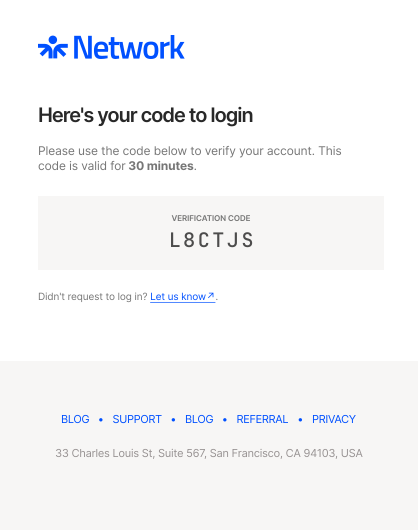
OTP verification emails are essential for account recovery. This template provides a straightforward link to allow users to securely set a new password.
4. Payment Receipt
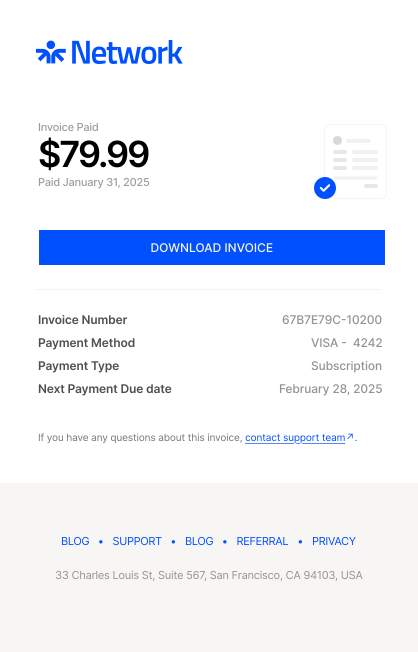
A payment receipt template reassures customers and provides a clear record of their transactions.
How to Use These Templates
- Install React Email:
npm install @react-email/components react react-dom
- Create a new email file inside your project.
- Render the email in your preview server (
npm run dev). - Export HTML and send it through your provider (Resend, Postmark, SendGrid, etc.).
Email remains one of the most important channels for SaaS applications. These four templates cover common use cases and can save development time.
You can customize the styles, add your own components, and adapt them to fit your brand guidelines. By starting from these examples, you ensure consistency and reduce the risk of errors in critical communications.
Next Steps
Now that you have these free templates, you might want to:
- Deploy them: Learn how to send React Email templates with Resend in production
- Scale your setup: Check out our guide on setting up React Email in a monorepo
- Get more templates: Explore the React Email Templates Bundle with 11+ production-ready templates, dark mode support, and Figma files